
Blueprint Insight Documentation
Installation, usage, generated outputs, and review boundaries for Blueprint Insight.
Blueprint Insight
Unreal Editor analysis plugin for Blueprint structure review, documentation export, and AI-assisted technical discussion.
Unreal Engine 5.4 - 5.7
Designed for Windows editor workflows and Win64 plugin distribution unless otherwise stated on the product listing.
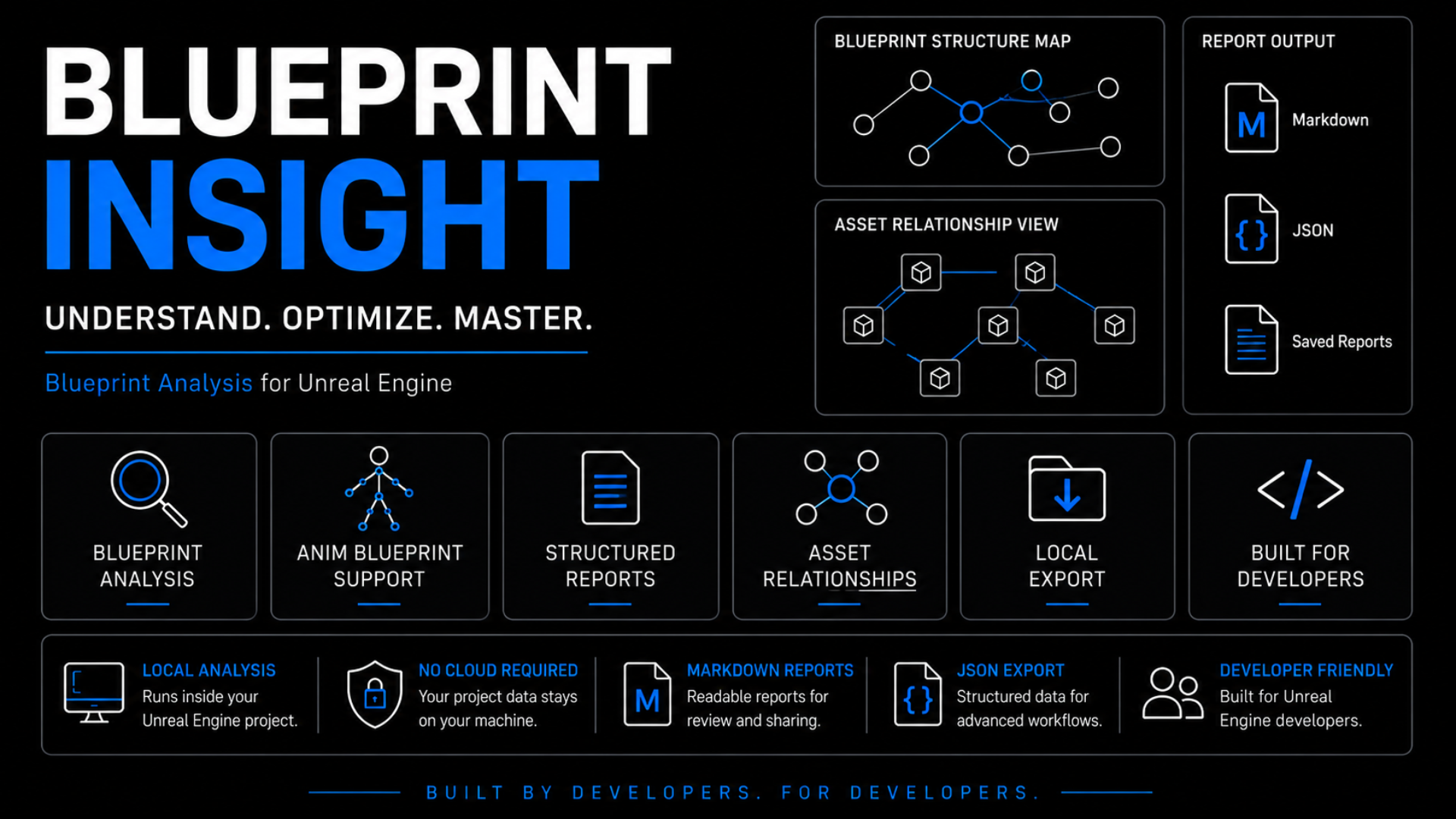
Review Blueprint structure before modification.
Blueprint Insight helps developers inspect Blueprint structure, direct relationships, and exported review material without modifying assets or runtime behavior.
Small to medium Blueprint review workflows.
Use it for documentation, onboarding, refactoring preparation, AI-assisted explanation, and understanding Blueprint-heavy project areas.
Recommended First Steps
- Run analysis from the Tools menu.
- Open the Saved/BlueprintInsight output folder.
- Share Markdown or JSON reports with teammates or AI assistants when reviewing Blueprint structure.
Install the Plugin
- Close Unreal Editor.
- Copy the plugin folder into your project's
Pluginsfolder. - Confirm the plugin folder is directly under
<YourProject>/Plugins/. - Reopen the project in Unreal Editor.
- If Unreal asks to rebuild modules, allow the rebuild.
Enable the Plugin
- Open
Edit > Plugins. - Search for
Blueprint Insight. - Enable the plugin if it is not already enabled.
- Restart the editor if Unreal asks you to do so.
Run Blueprint Analysis
- Open your Unreal Engine project.
- Go to Tools > Blueprint Insight > Run Blueprint Insight Analysis.
- Wait for the analysis to complete.
- Open the generated reports under <YourProject>/Saved/BlueprintInsight/.
This creates Markdown and JSON files intended for developer review and documentation.
Generated reports are intended to be inspected by developers and may also be shared with AI assistants for technical discussion.
Report Files
Full Analysis Output
<YourProject>/Saved/BlueprintInsight/
summary.mdarchitecture_report.mdexecution_flow.mddependency_overview.mddependency_graph.jsonblueprint_index.jsonnode_details.json
What It Helps Review
- Blueprint structure overview
- Direct Blueprint relationships
- Execution-flow oriented report data
- Dependency overview
- Markdown review reports
- JSON export data
- AI-assisted discussion context
Review Boundaries
- Blueprint Insight performs static editor-side analysis.
- It does not modify Blueprints, gameplay logic, runtime behavior, assets, or project settings.
- It does not simulate gameplay execution.
- Generated outputs are intended for review, documentation, onboarding, and AI-assisted discussion.
Static reports should be treated as evidence-based review material. Runtime behavior, branch conditions, dynamic data, and project-specific design intent may require manual verification inside Unreal Editor.
Do NOT Give AI Only The Full Project Export
When using Insight Ecosystem outputs with AI-assisted workflows, we strongly recommend providing both the full project export and a focused Runtime Package for the specific system currently being modified.
providing BOTH:
- the full project export
- a focused Runtime Package
This is extremely important for long Unreal Engine implementation sessions.
Why?
During large Blueprint-driven workflows, AI may gradually drift from:
system-level runtime reasoningtoward:
localized patch reasoningespecially during manual Blueprint wiring, runtime suppression work, BT/EQS modifications, montage-related implementation, and dispatcher-heavy systems.
The problem is often not lack of information. The problem is:
loss of topology focusRecommended Workflow
1. Full Insight Export
This provides overall project structure, global topology, and cross-system visibility.
2. Focused Runtime Package
This stabilizes runtime ownership awareness, convergence tracking, orchestration understanding, and cleanup path awareness for the system currently being modified.
Example
For a melee combat modification, a Combat Runtime Package might include:
- related BTTasks
- related BTServices
- related Blackboard assets
- combat orchestration Blueprints
- related AnimBP sections
- related dispatcher / notify data
- related hidden_dependencies excerpts
- related comment_clusters excerpts
while excluding unrelated systems such as UI, unrelated locomotion, unrelated player systems, and unrelated vehicle systems.
Important
This is not primarily about reducing file size. It is about:
stabilizing the AI's runtime attention topologyIn practice, this can significantly reduce local patch drift, screenshot anchoring, orchestration confusion, cleanup-path mistakes, and runtime ownership loss during long AI-assisted Unreal Engine sessions.
For more detailed discussion about AI reasoning drift, synchronization rules, structure-first workflows, and runtime orchestration safety, please see:
Return to the product page or Insight Ecosystem.
Use this direct documentation page for Fab documentation links, product review, and AI-assisted workflow reference.